
SCALE FIELDBOOK
Scale Fieldbook is the platform's own page-based note editor, built for the people actually on site. Open a survey photo or an imported PDF as a page background, draw with freehand ink, add shapes, text and measurement lines, drop in photos, and export the whole multi-page document as a real PDF with your company's front page, header and footer — from the order's survey files, with revisions you can reopen.
On site, on the page
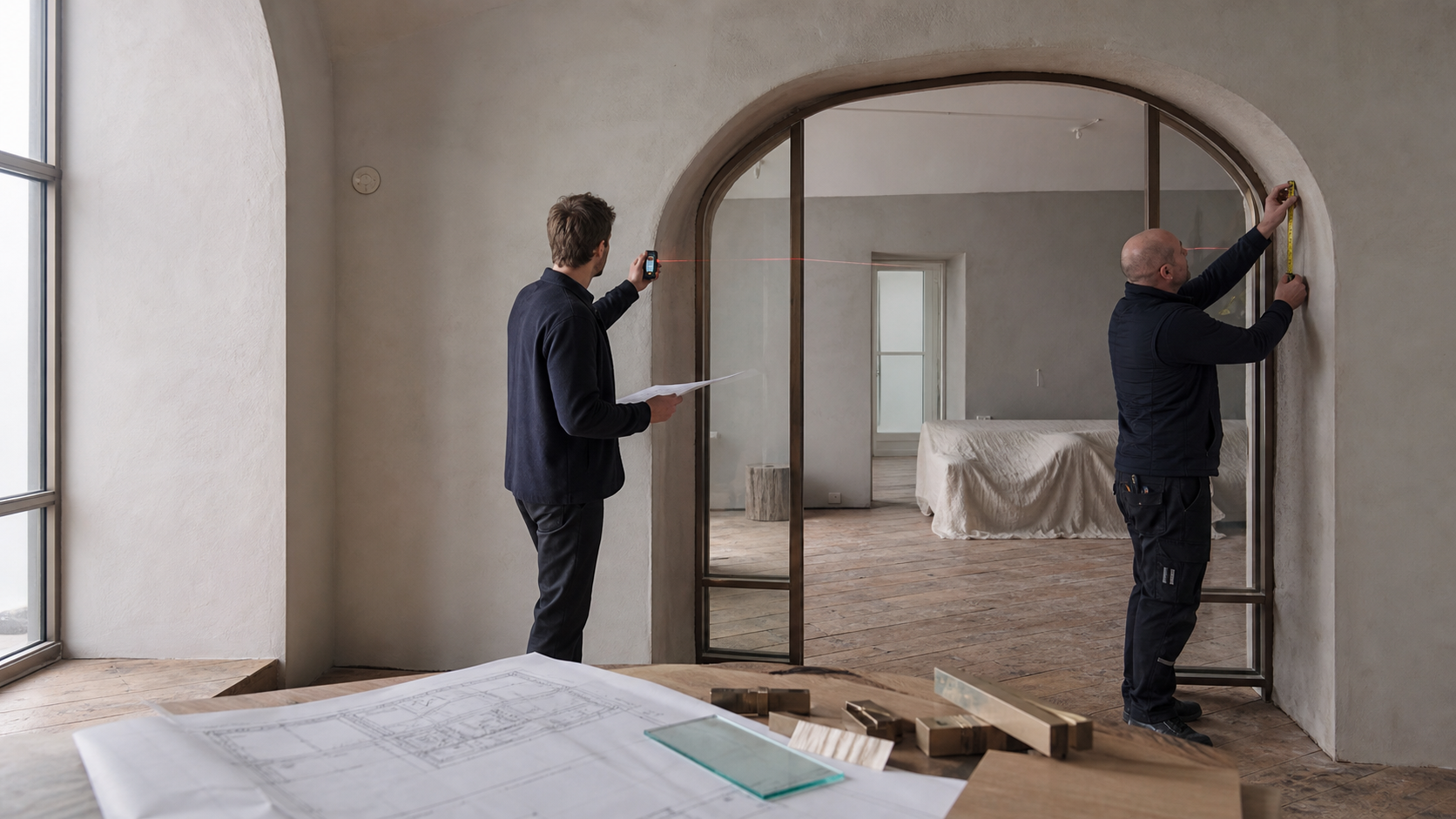
Photos, imported drawings, freehand notes and measured lines sit on real pages with the company's own front page and footer, exported as a PDF the workshop can trust and reopened as a revision when the site changes.
Inside Scale Fieldbook
Pinch-to-zoom without stray ink, true full-screen editing and touch-first tools, fixed against real hardware.
Type a measured distance onto a line, with calculated and estimated lines styled distinctly from manual ones.
Import an existing PDF as page backgrounds, add blank or templated pages, and keep front and last pages consistent.
An admin sets a company-wide default front page, last page and header/footer, so every survey document looks like it came from the same company.
Save creates a re-editable revision; export renders a real PDF through the same engine the rest of the platform uses for invoices and offers.
Fieldbook opens from an order's survey files and saves revisions on the platform; a one-click "Save to ERP" that files the exported PDF onto the order automatically is the next step and is not yet released.
The rest of the platform
Scale Fieldbook isn't a silo — it shares clients, jobs and order numbers with the rest of ScaleBespoke.
From won deal to shipped and installed — one order, followed the whole way.
Explore Orders → CRMEvery deal, every conversation, every client — in one native pipeline.
Explore CRM → ACCOUNTINGFinance that talks to production, not just to your accountant.
Explore Accounting → INVENTORYKnow what you have, where it is, and what it's reserved for.
Explore Inventory & Warehouse → RESOURCE PLANNINGSee active projects, team capacity and dated assignments in one planning workspace.
Explore Resource Planning → TIME & ATTENDANCEClock-ins tied to real jobs, not just a timesheet.
Explore Time & Attendance → COMPLIANCE & HMSHealth, safety and compliance documentation that lives with the work, not in a binder.
Explore Compliance & HMS → QUALITY MANAGEMENTEvery non-conformance recorded, every certificate traceable — quality that holds up to an audit.
Explore Quality Management (QMS) → BUSINESS INTELLIGENCEThe numbers that actually run the business, in one place — not an export away.
Explore Business Intelligence → ASSET MAINTENANCEKnow your equipment's condition before it stops production, not after.
Explore Asset Maintenance → FIELD SERVICESWhat happens after installation, tracked with the same care as the order itself.
Explore Field Services → CUSTOMER PORTALEvery client message, drawing, invoice and document — kept with the right order.
Explore Customer Portal → SCALE CADConfigure the opening, see the drawing update, and save it back to the order.
Explore Scale CAD → DOCUMENT MANAGEMENTEvery file organized by the job it belongs to, not by whoever last saved it somewhere.
Explore Document Management → HELP DESKSupport after the sale, tracked as tickets — not lost in the sales pipeline.
Explore Help Desk → AUTOMATIONWhen this happens, do that — across the whole platform, with no code.
Explore Automation → APP BUILDERDesign the form your business needs and get a working records screen for it — without a developer.
Explore App Builder → HR & PAYROLLEmployee records, org chart and skills — built on the accounts your team already logs in with.
Explore HR & Payroll → SOCIALInstagram, Facebook, LinkedIn and TikTok enquiries into the CRM — and your workshop photos back out as posts.
Explore Social Inbox & Publisher → SCALE FIELDBOOKAnnotate site surveys on an iPad — ink, shapes, measurements and photos on real pages, exported as a PDF.
Explore Scale Fieldbook →